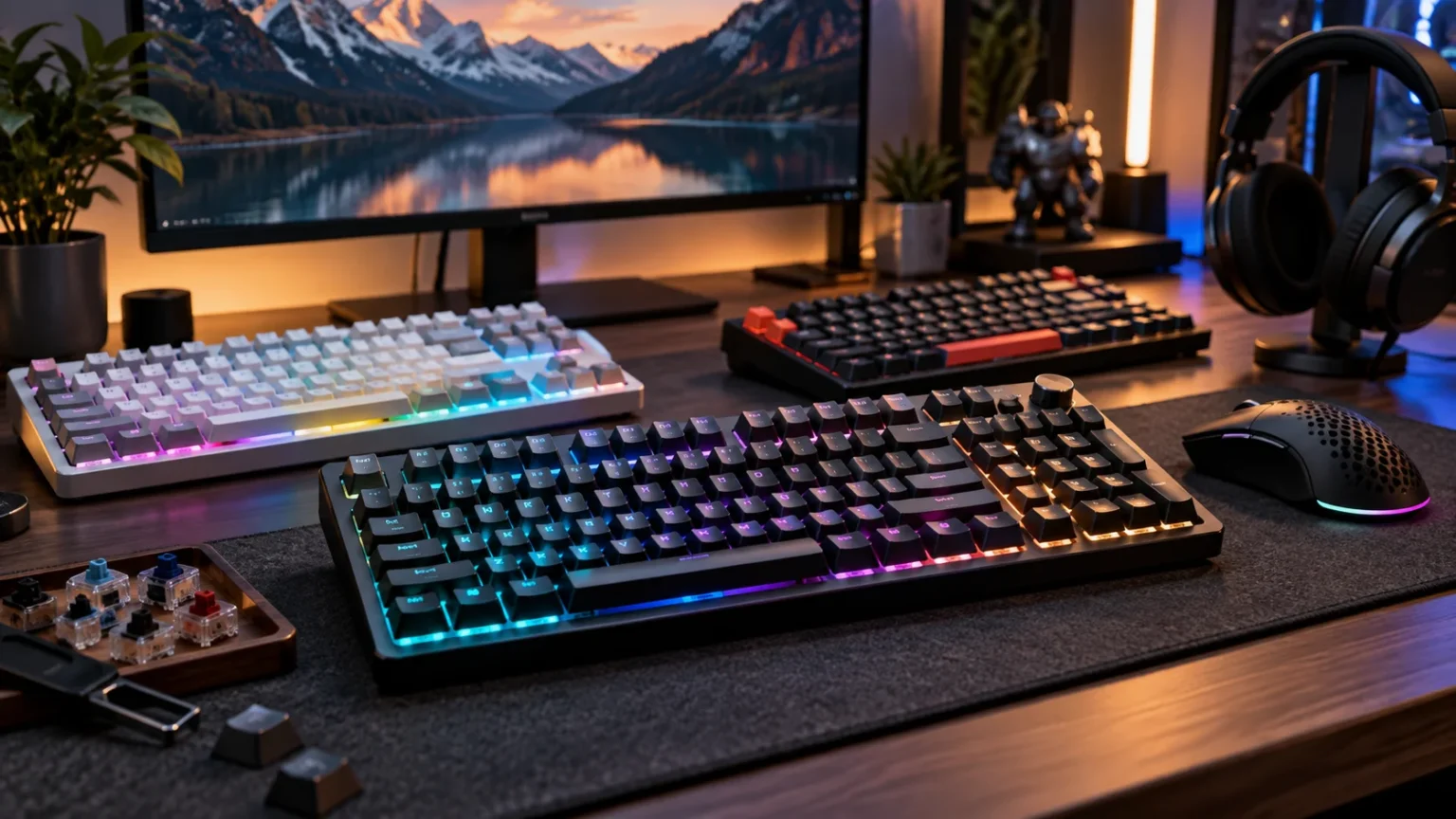

Mechanical keyboards have become popular with gamers, writers, programmers, and professionals because they offer a more deliberate and customizable typing experience than many standard membrane keyboards. Different switch types, layouts, keycaps, mounting styles, and connectivity options allow users to choose a board that closely matches their preferences. The best mechanical keyboards balance comfort, responsiveness, durability, sound, and practical features.
Gaming keyboards increasingly use magnetic switches with adjustable actuation and Rapid Trigger technology, while typing-focused models often prioritize stable keys, smooth switches, acoustic dampening, and comfortable layouts. Some modern keyboards manage to provide both experiences surprisingly well. That makes them particularly attractive to people who work during the day and switch to competitive or casual gaming afterward.
Choosing the right model requires more than picking the most expensive keyboard available. You need to consider the layout, switch feel, wireless performance, software, build quality, and how much desk space you have. The following options and buying tips can help you find a mechanical keyboard that feels satisfying for long typing sessions while still responding quickly during games.
What Makes a Great Mechanical Keyboard?
A good mechanical keyboard starts with switches that suit the way you type and play. Linear switches offer smooth key travel, tactile switches provide a noticeable bump during activation, and clicky switches add both tactile and audible feedback. Magnetic switches provide another option by allowing users to adjust actuation distance and reset behavior for faster, more personalized gaming inputs.
Build quality affects both durability and typing feel. Aluminum cases generally feel more solid, while well-designed plastic keyboards can be lighter and more affordable without necessarily feeling cheap. Quality stabilizers are also important because larger keys such as the space bar, Shift, Backspace, and Enter should feel controlled rather than loose, rattly, or inconsistent.
Other useful features include hot-swappable switches, programmable keys, RGB lighting, onboard profiles, media controls, and reliable configuration software. Wireless users should look for low-latency 2.4 GHz connections in addition to Bluetooth, while competitive players may prioritize higher polling rates. The ideal feature set depends on whether productivity, gaming performance, portability, or customization matters most to you.
Wooting 80HE for Competitive Gaming
The Wooting 80HE is one of the strongest options for people who place competitive gaming performance above wireless convenience. It uses magnetic switches with adjustable actuation and Rapid Trigger functionality, allowing users to control how quickly individual keys activate and reset. Its tenkeyless-style layout also saves desk space while retaining more navigation functionality than extremely compact 60% gaming boards.
Wooting supports polling rates up to 8,000 Hz and provides extensive configuration through its software. Users can customize actuation points, analog behavior, Rapid Trigger settings, and other advanced input functions. Independent testing continues to place the 80HE among the strongest performers for raw keyboard latency, making it especially attractive for competitive shooters and games where rapid directional changes matter.
The main limitation is that the Wooting 80HE is wired rather than wireless. Its gasket-mounted construction helps improve the typing experience, although people who mainly write may prefer softer or more traditional mechanical switches. For users who divide their time between gaming and typing but want gaming performance to take priority, the 80HE remains an extremely capable choice.
Keychron Q1 HE for Typing and Gaming Balance
The Keychron Q1 HE is an excellent option for people who want premium construction, wireless connectivity, and magnetic gaming features in the same keyboard. Its 75% layout retains arrow keys and useful navigation controls while keeping the footprint relatively compact. The full aluminum body and double-gasket construction also give the keyboard a substantial, more enthusiast-oriented feel during everyday typing.
Its magnetic switches support adjustable actuation, Rapid Trigger, and dynamic keystroke functions. The keyboard operates at up to 1,000 Hz over wired USB-C and 2.4 GHz wireless connections, while Bluetooth is available for more casual multi-device use. Keychron also provides a browser-based configurator, making it easier to modify key assignments, actuation settings, lighting, and gaming functions without relying entirely on conventional desktop software.
For mixed work and gaming, the Q1 HE has several practical advantages over many dedicated esports boards. Wireless connectivity, an aluminum chassis, PBT keycaps, and a softer gasket-mounted feel make it comfortable for everyday productivity. Gamers still receive magnetic switch technology, so they can lower actuation distances for games and use more deliberate settings when typing longer documents.
SteelSeries Apex Pro TKL Gen 3 for Adjustable Controls
The SteelSeries Apex Pro TKL Gen 3 focuses heavily on gaming customization while retaining enough traditional keyboard features for normal desktop use. Its OmniPoint magnetic switches allow adjustable actuation from 0.1 mm to 4.0 mm. This means users can configure extremely sensitive movement keys for gaming while selecting deeper actuation for keys they do not want to trigger accidentally.
Rapid Trigger resets a key as it begins moving upward rather than waiting for a traditional fixed reset position. SteelSeries also includes features such as Rapid Tap and Protection Mode, which are designed around fast movement and reducing unwanted key presses. The keyboard includes per-key RGB lighting, PBT keycaps, an aluminum top plate, and internal sound dampening intended to improve everyday feel and acoustics.
The tenkeyless layout provides a useful balance for gamers who want more mouse room without losing dedicated arrow and navigation keys. A wireless version is also available with 2.4 GHz and Bluetooth connectivity for people who dislike cables. The Apex Pro family makes particular sense for gamers who enjoy extensive adjustment but still want a familiar keyboard layout for daily work.
Razer BlackWidow V4 Pro 75% for Premium Features
The Razer BlackWidow V4 Pro 75% is designed for users who want a feature-rich mechanical keyboard rather than a minimalist competitive board. Its compact 75% layout retains arrow keys and a function row while freeing additional space for mouse movement. Razer equips it with hot-swappable mechanical switches, PBT keycaps, sound-dampening material, and lubricated stabilizers to create a more refined typing experience.
Wireless flexibility is another major advantage. The keyboard supports Razer’s 2.4 GHz HyperSpeed connection, Bluetooth, and USB-C, which makes it easier to move between gaming PCs and other devices. Wireless polling can reach up to 4,000 Hz under supported configurations, while programmable controls and onboard profiles provide additional customization for people who frequently switch between games and productivity tasks.
This model suits users who appreciate RGB lighting, dedicated controls, wireless convenience, and a more premium desktop appearance. Competitive gamers may prefer magnetic-switch keyboards when adjustable actuation is their highest priority, but conventional mechanical switches remain satisfying for typing. The BlackWidow is therefore a useful middle ground for users who prioritize features and typing feel alongside gaming performance.
Logitech G Pro X TKL Rapid for Fast Gaming Inputs
The Logitech G Pro X TKL Rapid uses magnetic analog switches instead of traditional fixed-actuation mechanical switches. These switches support Rapid Trigger and configurable input behavior, giving competitive gamers greater control over how quickly individual keys activate and reset. Its tenkeyless design also removes the number pad, leaving more desk space for broad mouse movements during lower-sensitivity gaming.
Logitech includes programmable functionality through G HUB software as well as LIGHTSYNC RGB lighting and onboard lighting profiles. Its reported 1 ms response rate is aimed at gaming situations where predictable, low-latency input is important. The detachable cable also makes the keyboard easier to pack for tournaments, LAN events, or a desktop setup where cable management matters.
The G Pro X TKL Rapid makes the most sense for gamers who already use Logitech peripherals or prefer familiar gaming software. Magnetic switches add useful customization without forcing users into an extremely compact layout. Writers may prefer keyboards designed primarily around acoustics and softer mounting systems, but the Logitech remains versatile enough for emails, documents, browsing, and everyday desktop work.
Best Mechanical Switches for Typing and Gaming
Linear mechanical switches are popular with gamers because they move smoothly from the top of the keypress to the bottom without a tactile bump. This predictable movement can feel fast during repeated presses and rapid directional inputs. Popular linear designs vary significantly in spring weight and sound, so a light gaming switch may feel very different from a heavier linear option intended for deliberate typing.
Tactile switches provide a physical bump that helps users recognize when a key has actuated. Many writers and programmers appreciate that feedback because they can type confidently without necessarily pressing every key completely to the bottom. Tactile switches can still perform extremely well in games, making them a practical compromise when typing comfort matters as much as competitive responsiveness.
Magnetic switches have become increasingly important for gaming because their actuation points can be adjusted electronically. Users may configure very short travel for movement keys and deeper activation for keys that are easy to press accidentally. However, switch technology alone does not determine comfort, so consider key stability, spring weight, mounting design, keycaps, and sound before choosing solely based on gaming specifications.
Choosing the Right Keyboard Layout
Full-size keyboards include a number pad, function row, arrow keys, and navigation cluster. They are useful for spreadsheets, accounting work, data entry, and professional applications that rely heavily on numeric input. Their disadvantage is width, because a full-size board pushes the mouse farther to the side and leaves less room for large movements during competitive gaming.
Tenkeyless keyboards remove the number pad while keeping most other familiar keys. This layout is one of the most practical choices for people who frequently alternate between work and gaming. You retain dedicated arrows, function keys, and navigation controls while gaining additional mouse space, which explains why TKL designs remain common among both gamers and general desktop users.
Compact 75%, 65%, and 60% keyboards reduce the footprint even further. A 75% board usually keeps the function row and arrow keys, while smaller layouts may move secondary functions onto layers. Compact boards create cleaner setups and more mouse space, but users who frequently rely on dedicated shortcuts should consider whether the reduced layout will slow their normal workflow.
Wired vs Wireless Mechanical Keyboards
Wired mechanical keyboards remain popular because they offer simple connectivity without battery management. Plug the keyboard into a USB port and it is ready for long gaming sessions, office work, or competitive play. High-performance boards may also reserve their highest polling-rate modes for wired connections, which can appeal to players who want to minimize every possible source of input delay.
Modern 2.4 GHz wireless keyboards can also deliver extremely responsive performance. For most users, a properly designed gaming-grade wireless connection feels immediate while allowing a cleaner desk with fewer cables. Bluetooth is more useful for laptops, tablets, and switching between multiple everyday devices, although it is generally not the connection mode competitive gamers prioritize for their fastest inputs.
The best choice depends on your setup rather than a universal rule. A stationary gaming PC may benefit from the simplicity of wired connectivity, while a hybrid work setup can benefit substantially from wireless switching. If you frequently move between a desktop, laptop, and tablet, a keyboard with wired, 2.4 GHz, and Bluetooth modes provides the most flexibility.
Comfort and Build Quality for Long Typing Sessions
A mechanical keyboard can offer excellent switches and still become uncomfortable if its height or keycap profile does not suit you. Taller boards may benefit from a wrist rest, especially when you spend several hours typing. Keep your wrists in a neutral position when possible, and avoid resting excessive pressure on the edge of the desk while actively typing.
Keycaps also influence comfort and long-term durability. PBT keycaps generally resist surface shine better than many standard ABS keycaps, while different profiles change the angle and shape your fingers encounter. Stabilized larger keys should feel consistent with smaller keys, because a rattling space bar or uneven Shift key can become distracting during both gaming and writing.
Sound matters too, particularly in shared offices or bedrooms. Case foam, gasket mounts, lubricated stabilizers, switch design, and keycap material can all affect how a keyboard sounds. If you work around other people, quieter tactile or linear switches may be more practical than loud clicky switches even if you personally enjoy strong audible feedback.
Building a Better Work and Gaming Setup
Your keyboard should complement the rest of your desk rather than being selected in isolation. A compact or TKL keyboard can create additional mouse room, while the correct monitor height and viewing distance can improve overall desk comfort. If you are upgrading several components together, comparing the best monitors can help you create a setup suitable for productivity and gaming.
Gamers should consider how keyboard size affects mouse positioning. Lower-sensitivity players often need more horizontal desk space for large movements, so eliminating an unnecessary number pad can make a noticeable practical difference. Writers and professionals, however, may prefer keeping more dedicated keys if shortcuts, spreadsheet navigation, or numeric entry are central to their daily workflow.
Cable management, lighting, monitor placement, chair height, and desk depth also shape the overall experience. An expensive keyboard cannot compensate for an uncomfortable workstation or cramped mouse area. Think of the keyboard as one component within a complete setup, choosing its layout and connectivity based on how your computer space actually functions throughout the day.
Best Practices When Buying a Mechanical Keyboard
Start by identifying your primary use rather than immediately comparing specifications. Competitive gamers should pay close attention to latency, adjustable actuation, Rapid Trigger, layout, and software reliability. Writers and office users should place more emphasis on key feel, acoustics, ergonomics, stabilizers, and layout, while people who do both need a balanced keyboard that avoids major compromises.
Whenever possible, test several switch types before buying. Switch testers or display models can reveal whether you prefer smooth linear movement, tactile feedback, or a clicky response. Remember that the same switch can also feel somewhat different depending on the keyboard’s mounting system, keycaps, case material, internal dampening, and overall construction.
Avoid paying extra for features you will rarely use. An 8,000 Hz polling rate or extensive RGB customization may be valuable to one person and irrelevant to another. Focus on daily experience first: comfortable keys, dependable connectivity, a practical layout, useful software, solid construction, and enough customization to support the way you actually type and play.
Conclusion
The best mechanical keyboards for typing and gaming combine responsive switches, dependable construction, useful layouts, and comfortable everyday operation. Wooting’s 80HE emphasizes competitive gaming performance, while the Keychron Q1 HE combines magnetic switches with premium construction and wireless flexibility. SteelSeries, Razer, and Logitech also provide strong alternatives depending on the features and gaming ecosystem you prefer.
Switch choice is just as important as the keyboard itself. Linear switches provide smooth movement, tactile switches offer clear physical feedback, and modern magnetic switches deliver adjustable actuation for gaming. Consider how much time you spend writing versus playing games before deciding which characteristics deserve the greatest priority in your setup.
Ultimately, the right mechanical keyboard should feel enjoyable every time you sit at your computer. Choose a layout that supports your workflow, connectivity that matches your devices, and switches that feel comfortable over long sessions. A keyboard that balances those factors can improve both productivity and gaming without forcing you to maintain separate setups.
FAQs
Are mechanical keyboards better for typing and gaming?
Mechanical keyboards can be excellent for both because they offer different switch types, strong durability, customizable layouts, and responsive inputs. The best option depends on the switch feel and features you personally prefer.
What keyboard switch is best for gaming?
Linear and magnetic switches are especially popular for gaming. Magnetic switches offer adjustable actuation and Rapid Trigger features, while conventional linear switches provide smooth, predictable movement without a tactile bump.
What mechanical switches are best for typing?
Many typists prefer tactile switches because the bump provides clear physical feedback during each press. However, smooth linear switches can also feel excellent for typing, especially when paired with quality stabilizers and comfortable keycaps.
Is a TKL or 75% keyboard better for gaming?
Both formats work well. TKL keyboards provide familiar navigation keys and more mouse space than full-size boards, while 75% keyboards save even more room without removing the function row or arrow keys.
Are wireless mechanical keyboards good for gaming?
Yes. Modern gaming keyboards with quality 2.4 GHz wireless connections can provide very responsive performance. Competitive users should check the keyboard’s wireless polling rate and latency rather than assuming every wireless connection performs the same.